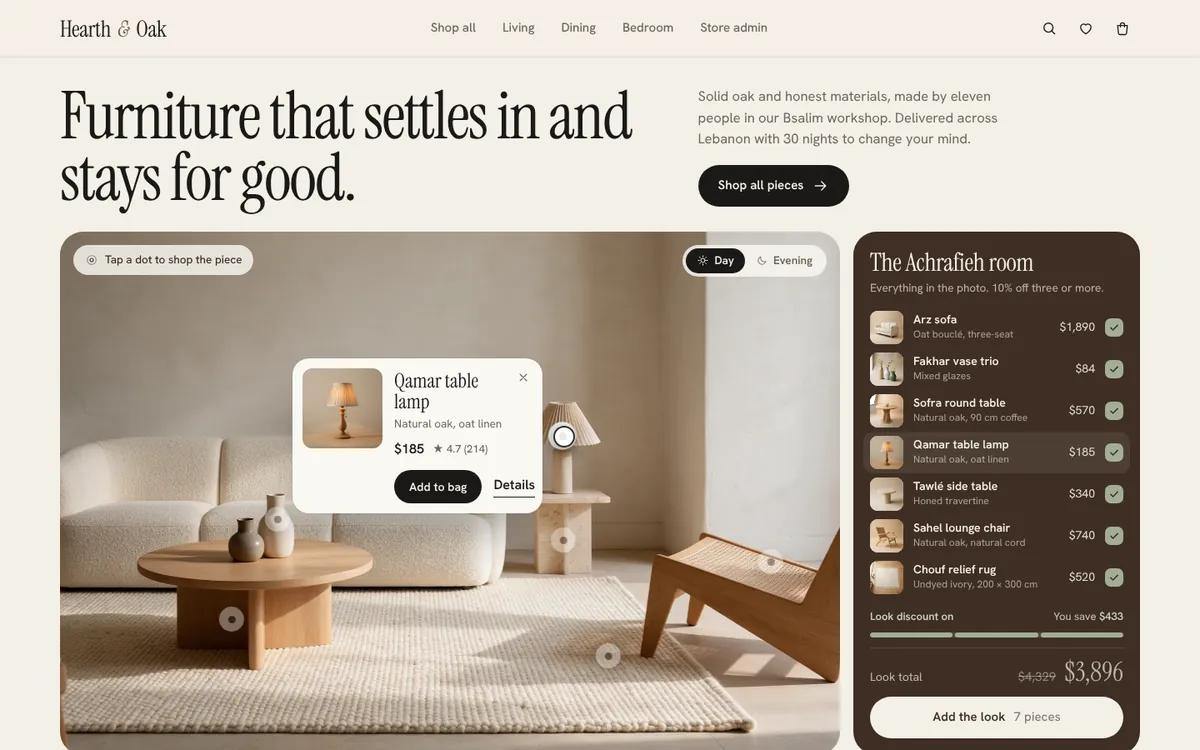
 Motion preview
Hearth & Oak
Shop the room, pick a finish, and watch the order land in the store admin.
E-commerce
A shop-the-look room photo with pulsing hotspots on every piece. Hover or tap a dot for a product popover with price, rating and add to bag, tick pieces in the look panel to build a bundle, and switch on merchant edit mode to drag hotspots into place.
Use the Live / Loading / Empty / Error switch at the top of the demo to see every state.
Lifestyle photos stop being decoration and start selling: shoppers buy straight from the scene, and buying the whole look raises average order value with an automatic bundle discount.
Motion preview
Shop the room, pick a finish, and watch the order land in the store admin.
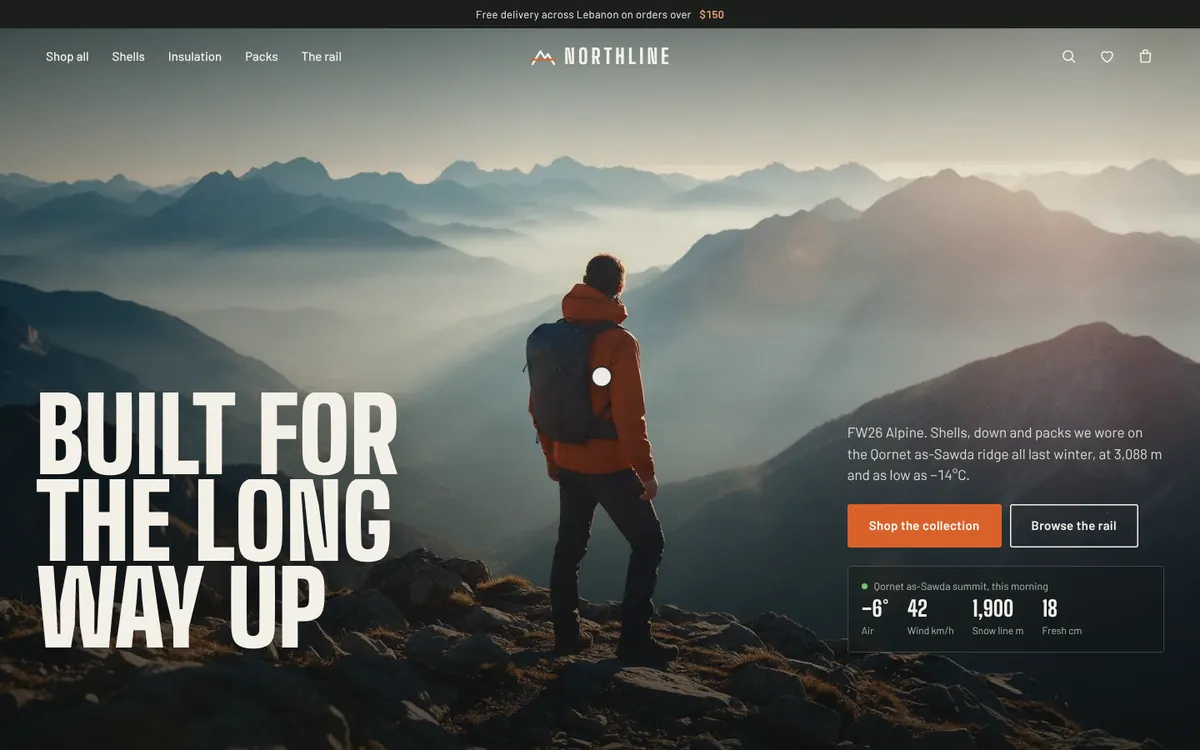 Motion preview
Technical outdoor wear with a clothing rail you can actually pull pieces off.