It maps your home. Then it keeps it.
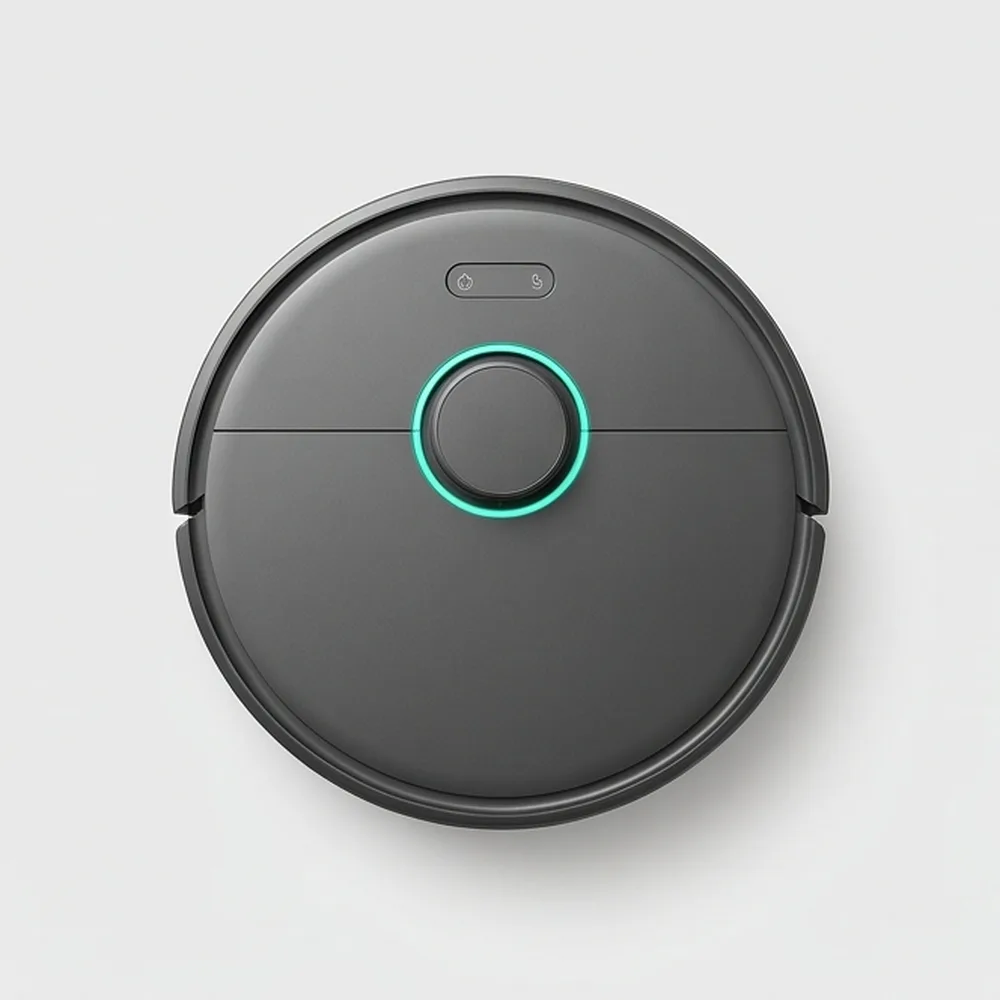
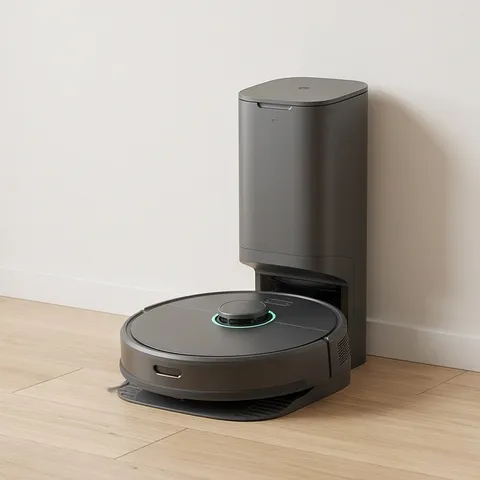
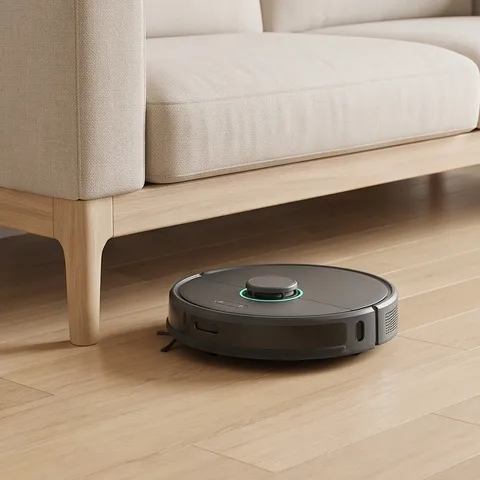
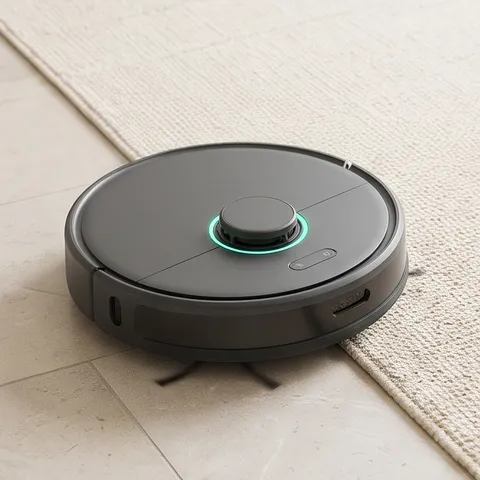
SWEEPR X1 scans every room with a spinning laser, vacuums and mops in tidy lines, lifts its mop on rugs and empties itself into the dock. You get your evenings back.
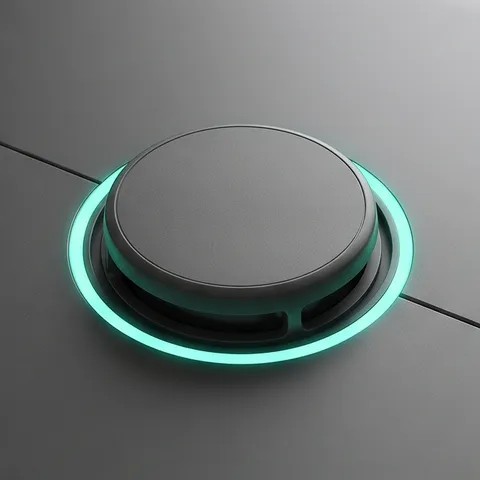
Draw your floor plan. Press Clean.
Paint your rooms, drop in the sofa and beds, set each floor to tile, wood or rug. SWEEPR plans edges first, then tidy lanes, room by room, and lifts the mop on rugs. Start from a Beirut flat if you like.
Start from
Tools
Drag across the grid to paint the selected room.
Furniture is treated as a no-go block in this simulation.
Rooms & floors · tap a room to paint it
Clean report
Press Clean to run the route.
- Floor to clean
- 0 m²
- Estimated time
- —
- Battery use
- —
Simulation based on brand-stated specs. Real times depend on clutter, rugs and settings.
Room by room
More pull when it matters. Quiet when you're home.
Figures per the brand. Visual only, no sound plays.
Pet hair, dust and generator hours.
The robot runs on its battery, so a power cut mid-clean doesn't stop it. The dock needs power to recharge and self-empty, so tell SWEEPR when you have it.
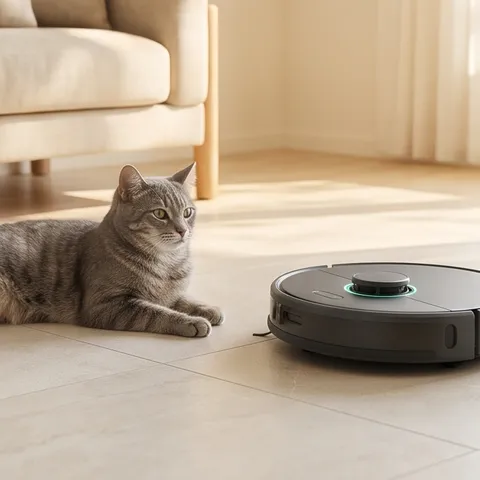
Pets at home?
Tap the hours you have power.
—
Your map, your schedule, in your pocket.
- 01Start, pause, send home
One tap from anywhere. It finishes the room it's in, then docks.
- 02The map you drew
Rooms, floors and furniture from your planner, ready to clean one room at a time.
- 03Power-hour schedule
The slot you saved above shows up here.
- 04Parts that need care
Brush, filter and pads with simple reminders.
Docked
Battery 100% · Standard
Your map
From the planner
Schedule
Inside your power hours
Care
Parts and reminders
Not magic. Just done, every day.
—
Everything for the first clean.
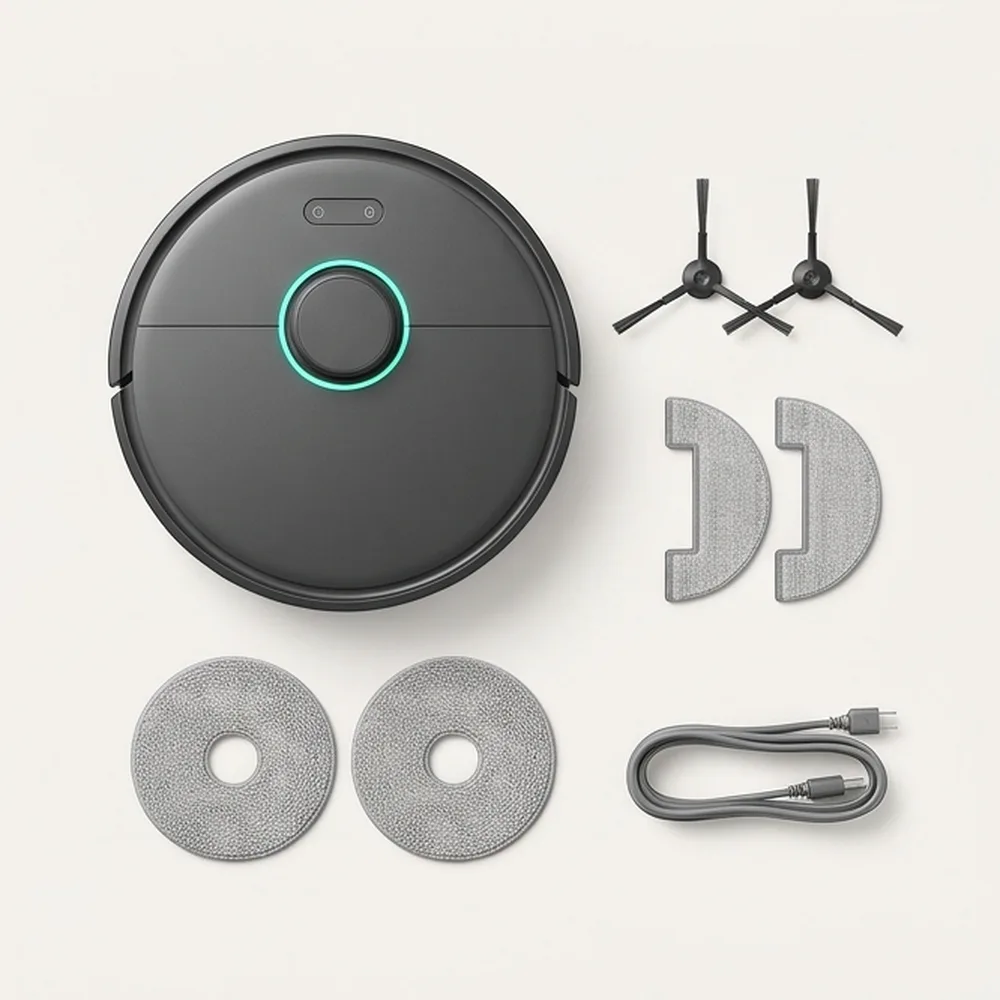
What owners say.
Sample reviews written for this preview page.
End-of-month price, then back to normal.
Preview checkout — no payment is taken. Stock shown is this preview's stock and only changes when you order.