 Motion preview
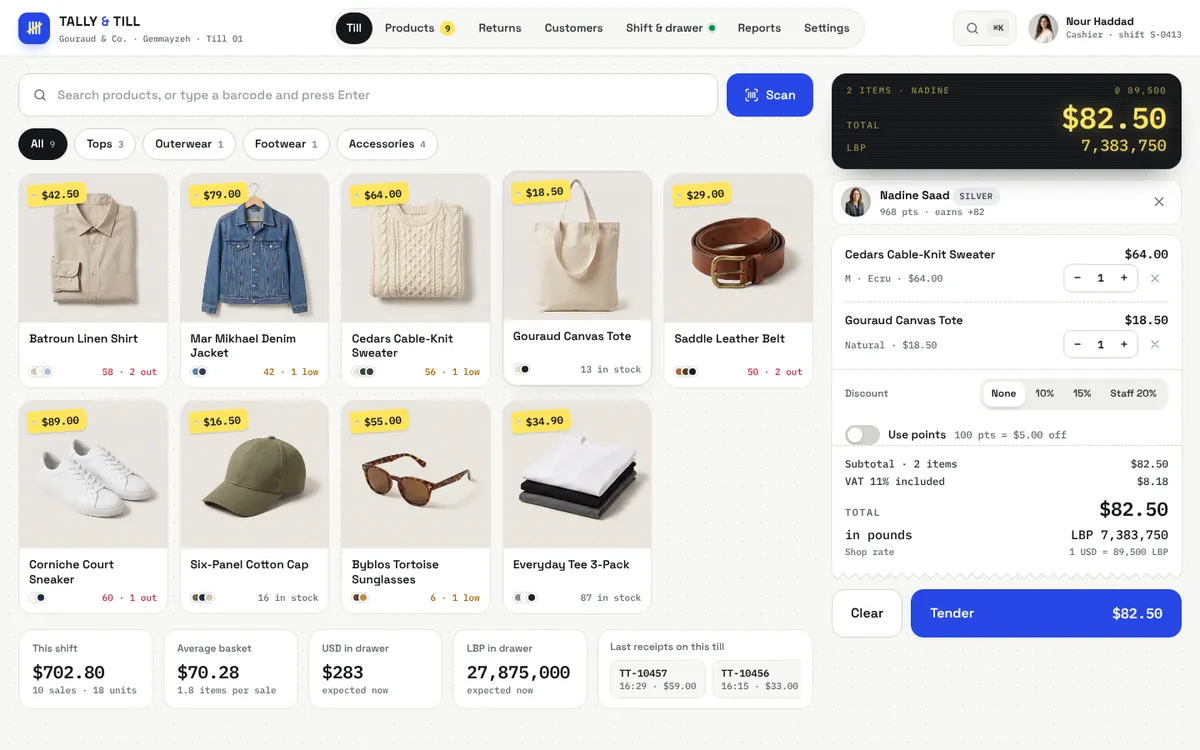
TALLY & TILL
A shop till that thinks in dollars and pounds, and gives change in both.
Business
A label studio for a Beirut grocery: pick a label size, choose what goes on it (name, price in $ and LBP, size, SKU, barcode), and every label renders a real EAN-13 or Code 128 barcode computed on the page, check digit included. Set how many labels each product needs, then preview the A4 sheets exactly as they will print, starting after any labels already used.
Use the Live / Loading / Empty / Error switch at the top to see every state.
Shelf and product labels come out right the first time: prices in both currencies, barcodes the till can actually scan, and no wasted half-used label sheets — without a separate label program or a designer.
Motion preview
A shop till that thinks in dollars and pounds, and gives change in both.
 Motion preview
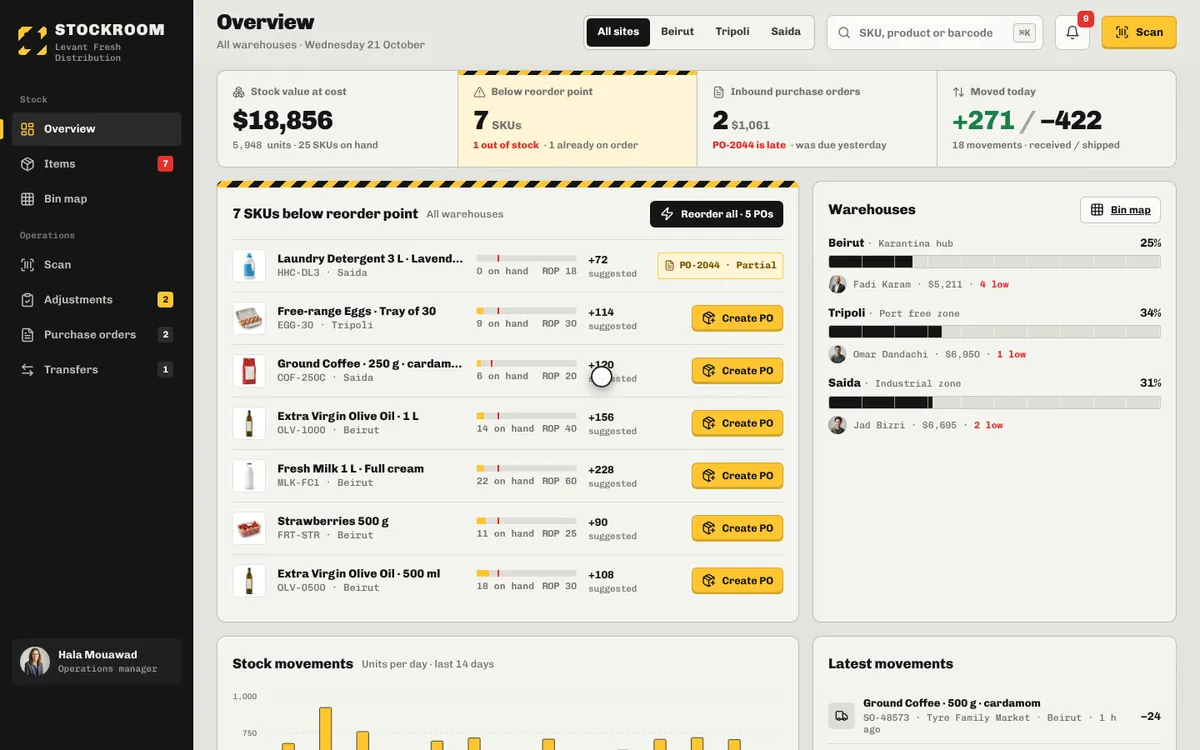
Three warehouses, every bin and every movement — reorder before the shelf runs dry.
 Motion preview
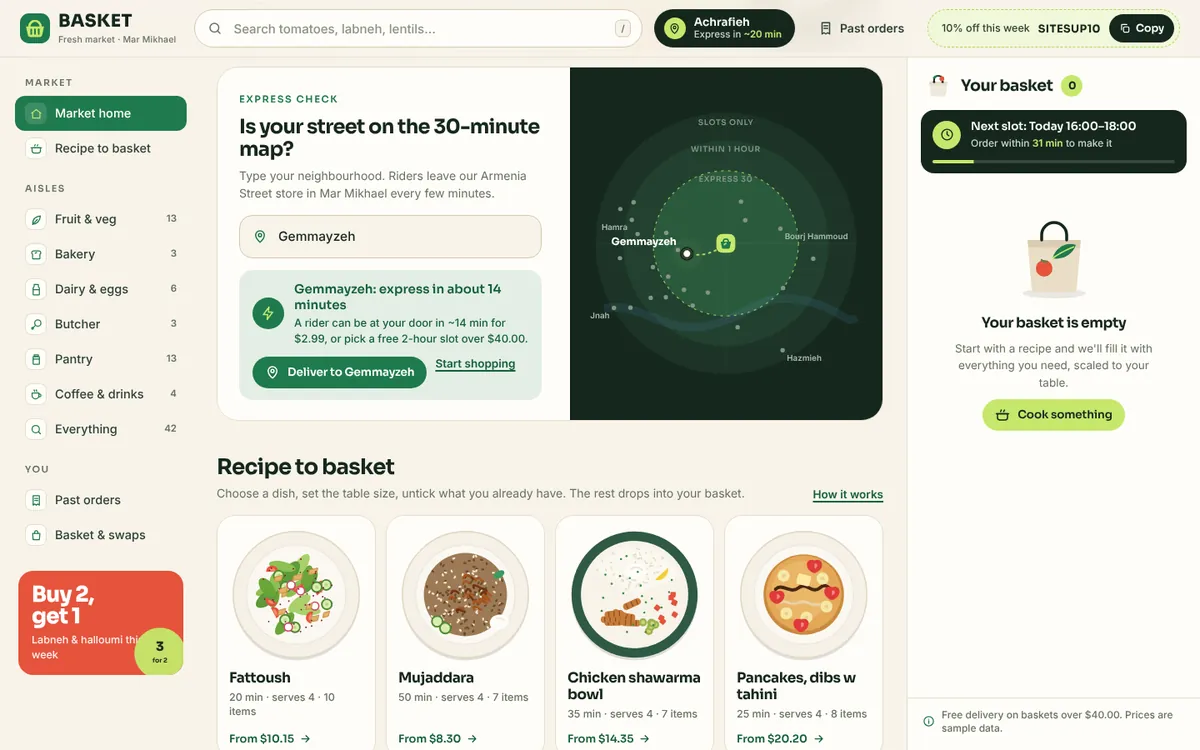
A Beirut fresh-market supermarket where one recipe fills the whole basket