 Motion preview
Business
Data Import
Bring customers or products over from an old till, Excel or Google Sheets: upload or paste a CSV, let the importer match the columns, then fix bad emails, phone numbers, dates and duplicates row by row before a batch import you can undo in one click.
Use the Live / Loading / Empty / Error switch at the top to see every state.
Why it matters
Moving to a new system no longer means retyping lists or importing a mess: problems are caught and fixed before anything is saved, existing records are updated instead of duplicated, and a wrong import can be rolled back instantly.
How it works
- 01Drop a CSV (comma, semicolon or tab — detected automatically) or paste rows; columns are matched to fields by their names and by the values inside them, and any match can be changed.
- 02Every row is validated — emails, Lebanese mobile numbers, dates, prices, EAN-13 barcodes, duplicates inside the file and matches with existing records — with suggested fixes and inline editing.
- 03The import runs in batches with live progress and can be cancelled without saving anything; afterwards one click undoes the whole import and restores the records it updated.
See it inside a full build
Motion preview
 Motion preview
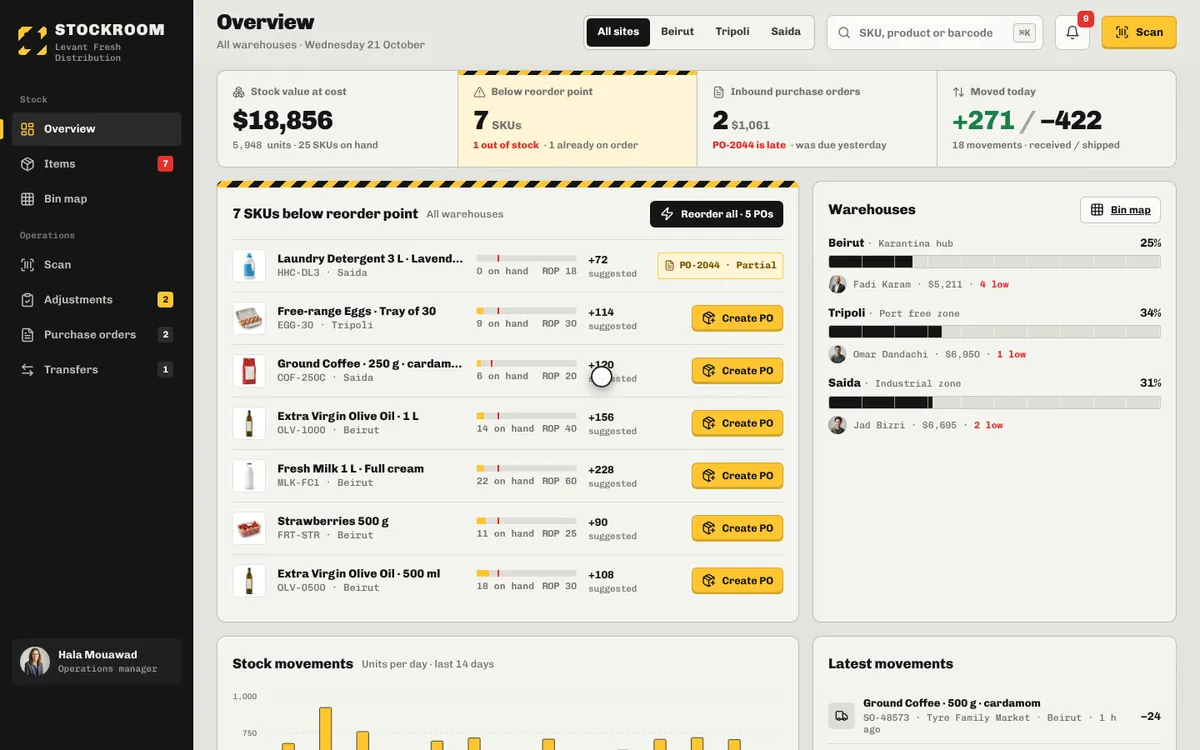
Stockroom
Three warehouses, every bin and every movement — reorder before the shelf runs dry.
 Motion preview
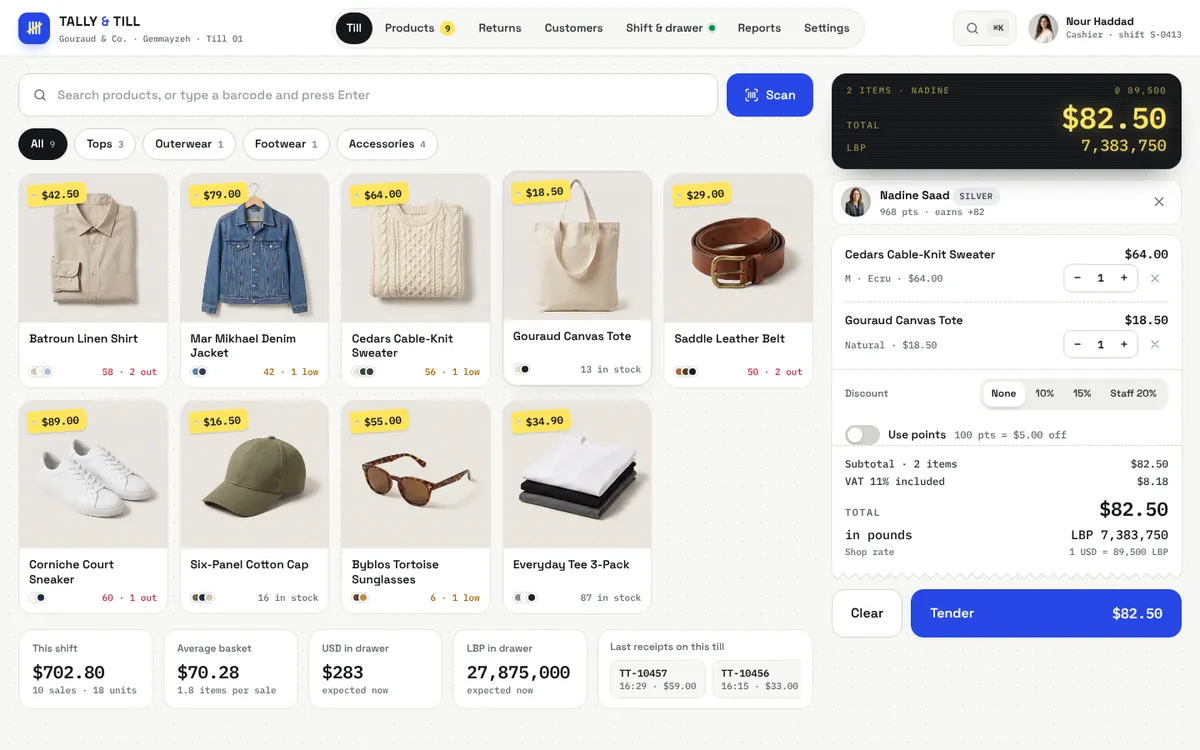
TALLY & TILL
A shop till that thinks in dollars and pounds, and gives change in both.