 Motion preview
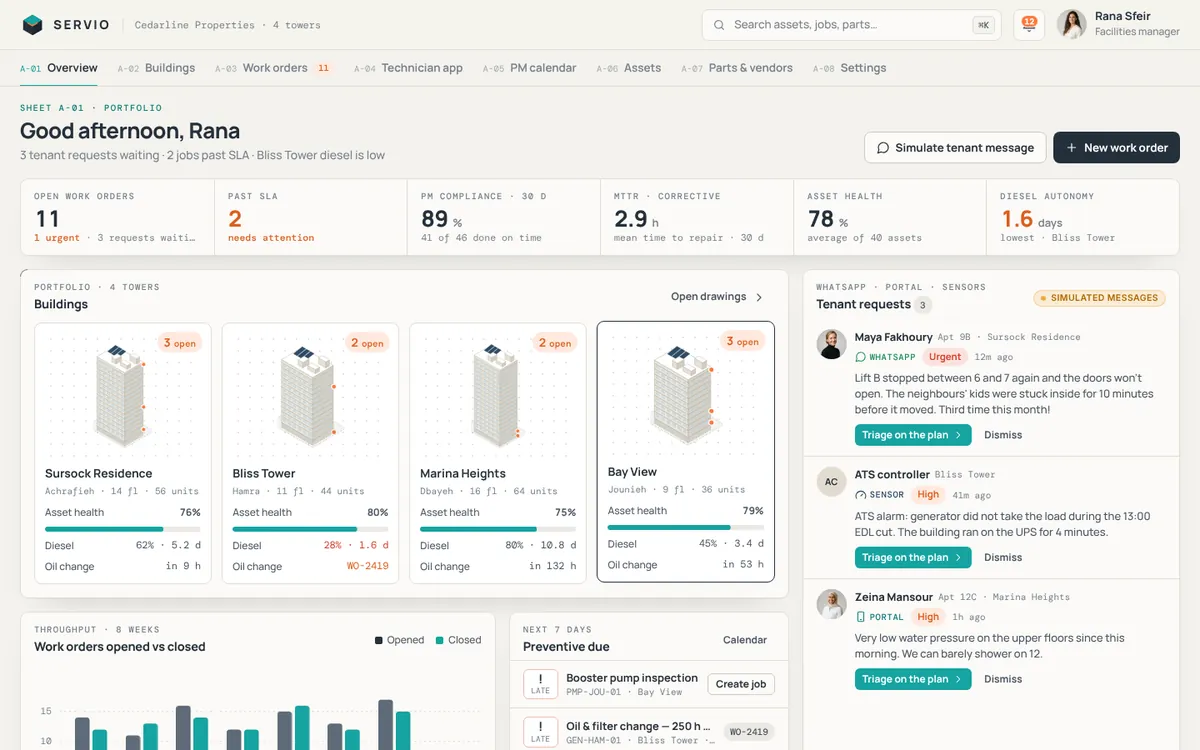
SERVIO
Isometric buildings, live work orders and a technician app for four towers
Business
A job-file manager for an appliance service company in Jounieh: drag and drop several files at once, see instant previews, get a clear reason when a file is the wrong type or too large, and follow every upload with pause, resume and retry. Files can be reordered, renamed and filed into folders.
Use the Live / Loading / Empty / Error switch at the top to see every state.
Technicians send complete, well-organised job evidence from the field (site photos, warranty cards, invoices and signed forms), and a weak connection never means starting a large upload from scratch.
Motion preview
Isometric buildings, live work orders and a technician app for four towers
 Motion preview
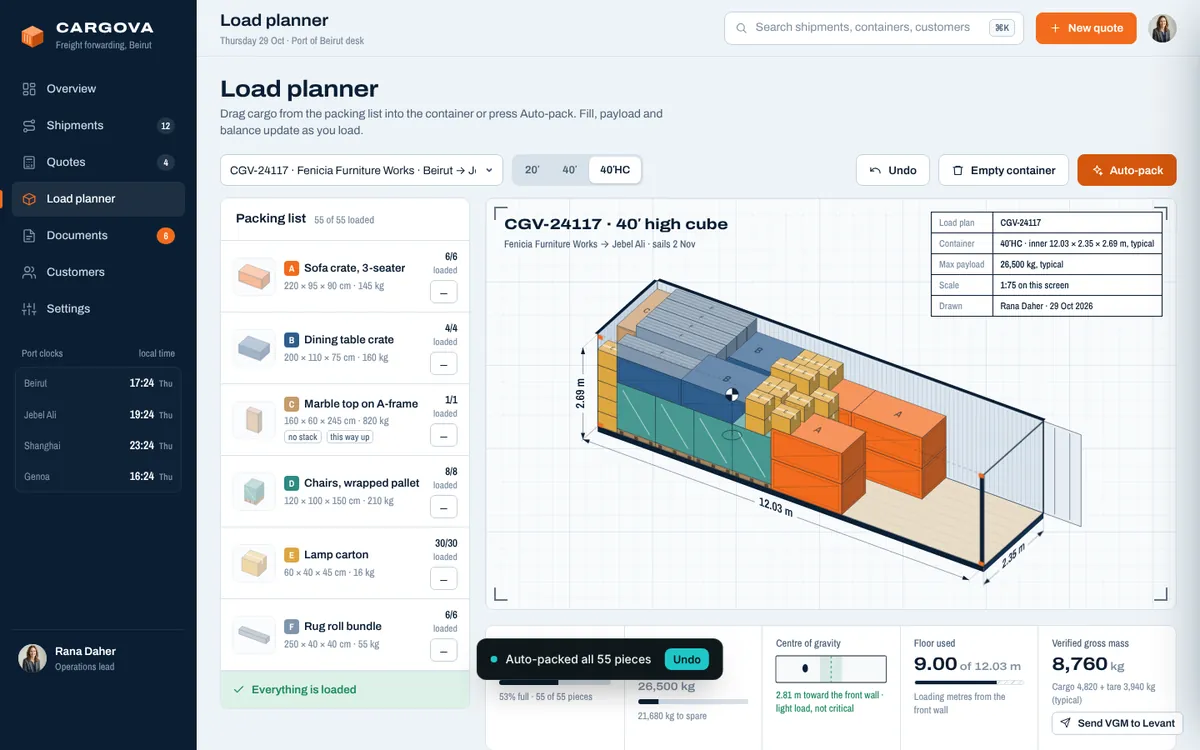
Freight forwarding out of Beirut: quotes, bookings, documents and a 3D container planner
 Motion preview
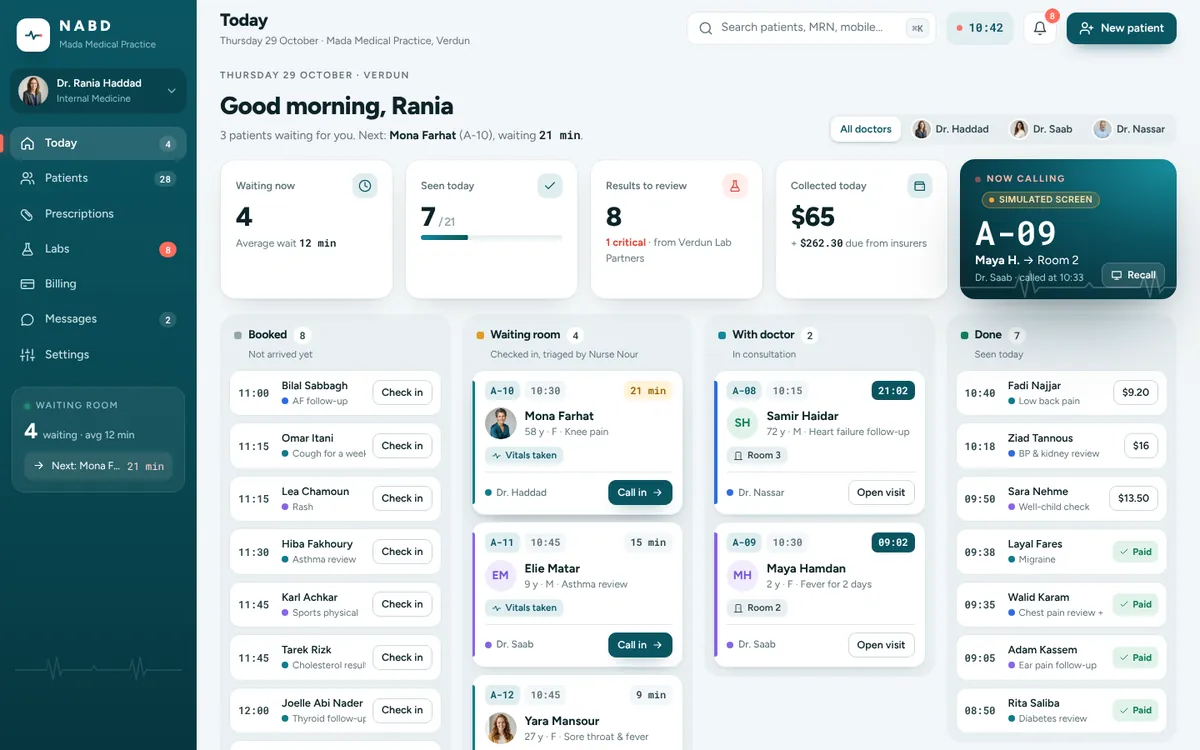
The doctor's day in one place: queue, chart, notes, safe prescriptions, labs, billing