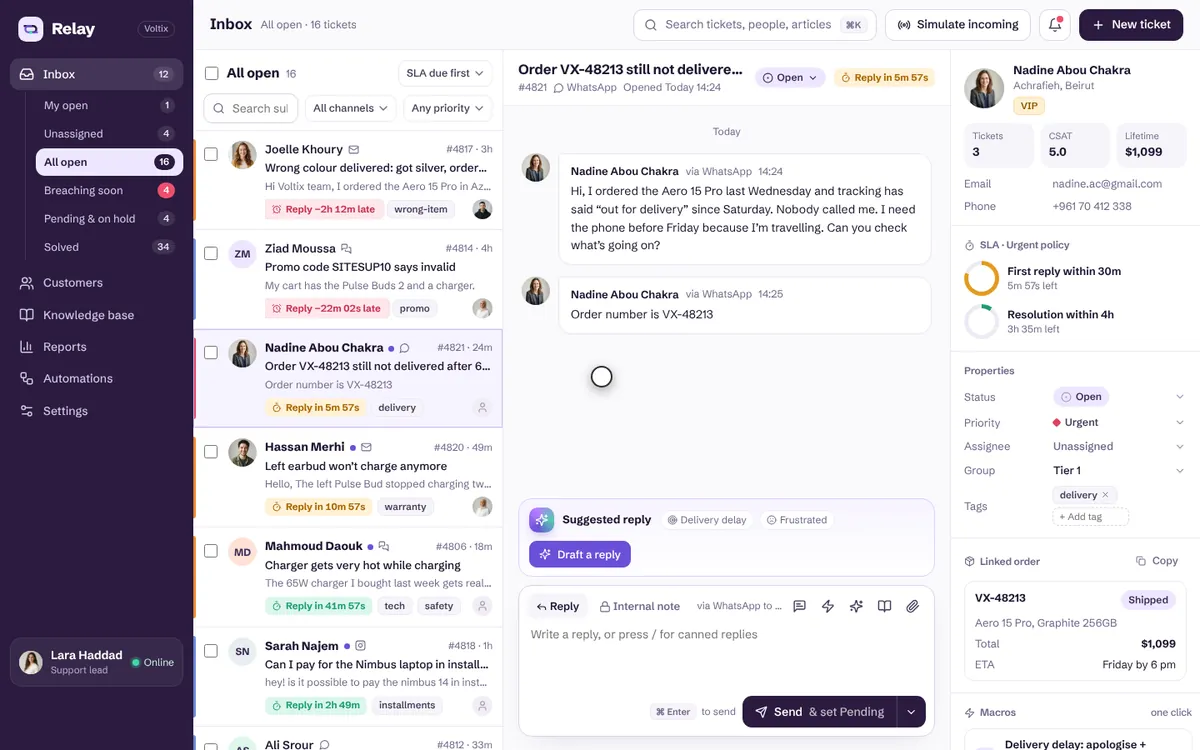
 Motion preview
Relay
A calm support inbox where every SLA ticks live and one click can resolve a ticket
Business
A shared WhatsApp Business inbox for a Beirut café team: every chat in one list with unread counts and labels, assignment to teammates, quick replies whose variables fill from the chat and its order, internal notes with @mentions, an order lookup card beside the conversation and a live 24-hour reply-window indicator. Incoming messages are simulated on the page.
Use the Live / Loading / Empty / Error switch at the top to see every state.
The whole team answers from one number without stepping on each other: every chat has an owner, answers go out in seconds with the right order details, and nobody misses WhatsApp's 24-hour rule — when the window closes, the inbox switches to approved templates instead of failing silently.
Motion preview
A calm support inbox where every SLA ticks live and one click can resolve a ticket
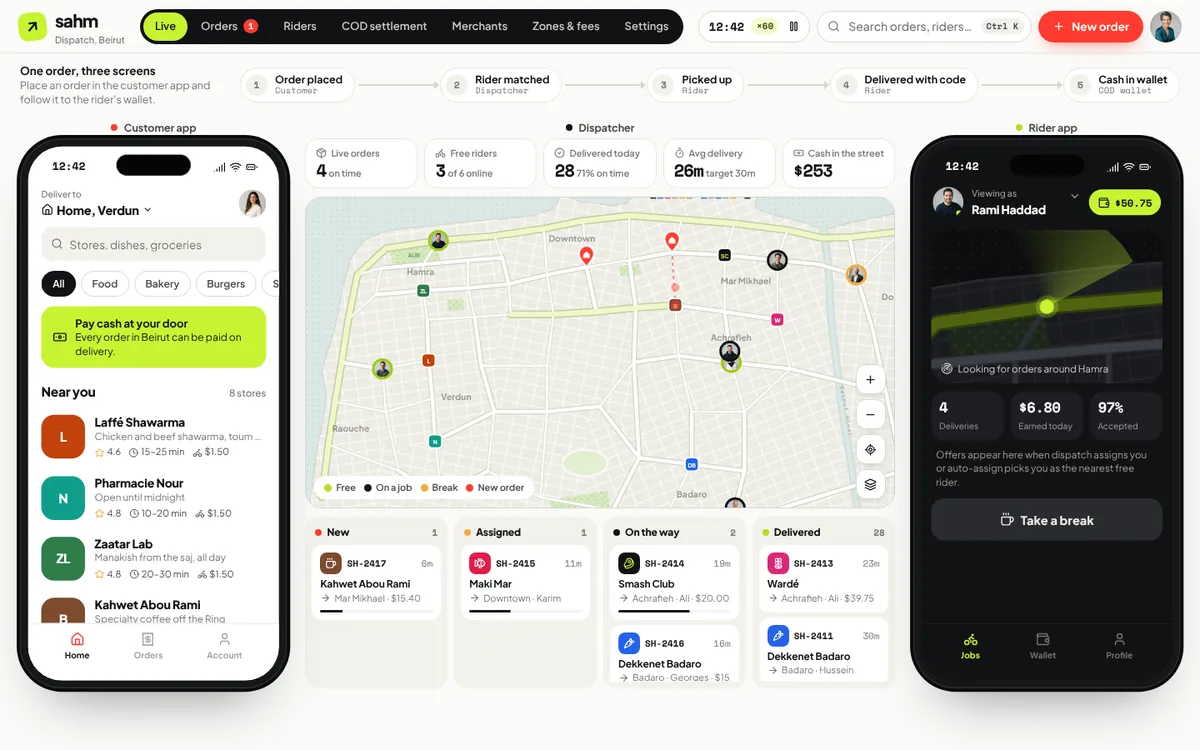 Motion preview
Customer app, dispatch map and rider app carry one Beirut order to the doorstep
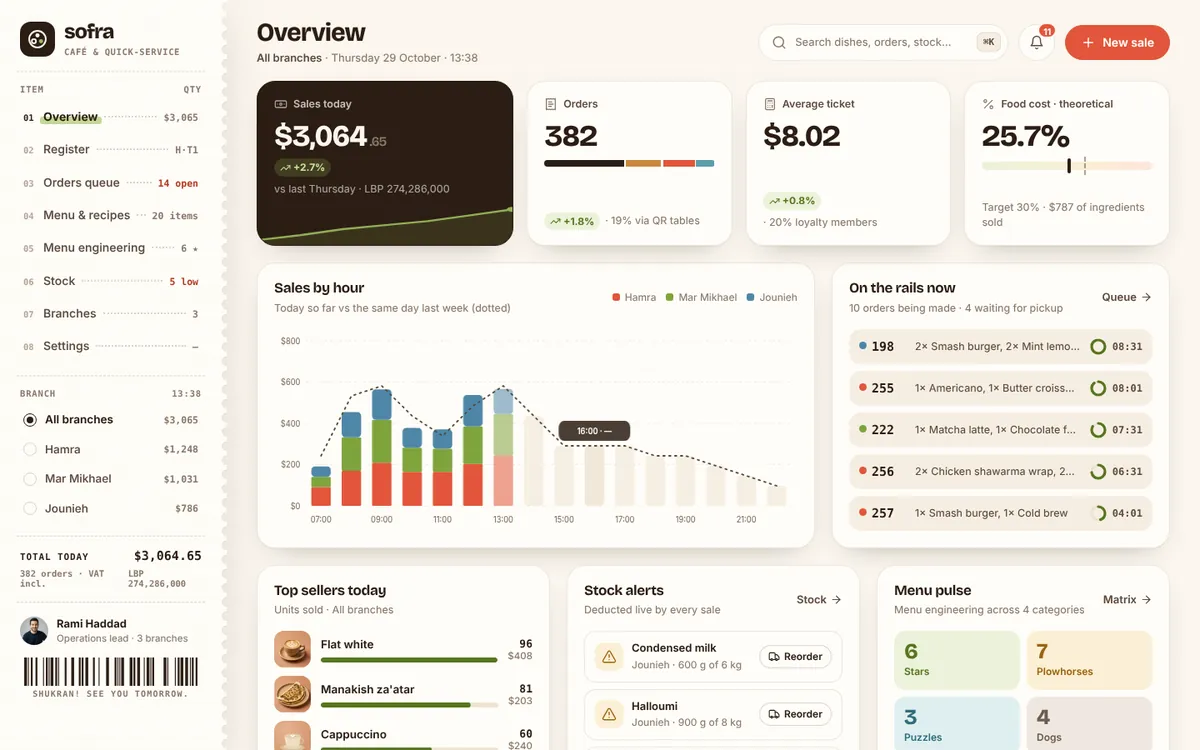 Motion preview
Ring it up, cost every recipe and see which dishes earn their place on the menu.